I’m impressed. It seems to understand Go better than Claude, so move over Claude! I just wonder how much use I have on my personal license.
To see how it’s handled writing unit tests look at this commit.
https://github.com/m0rjc/goconfig/pull/17/changes/eb7c04fa90b9dd47f32b30dddf9b3775c04c9c25
This was achieved with a fairly simple prompt. I’ve made some manual changes, added some more cases to the tests, but the structure it’s used is easy to work with. My initial prompt was
Can you create unit tests in the process package which, for each type we handle, call the process.New method and run the resulting process. (So you'll need a StructField to apply reflection on). We're interested for each one that we prove we can read a valid rawValue into the type, that we handle invalid input (like reading 'foo' as an integer), and that the validators work (min, max, pattern). Order them with the _types.go file so number_types_test.goIt’s nice to work with a proper IDE, unlike VSCode for this. I can run and debug individual test cases include parameterised test cases:
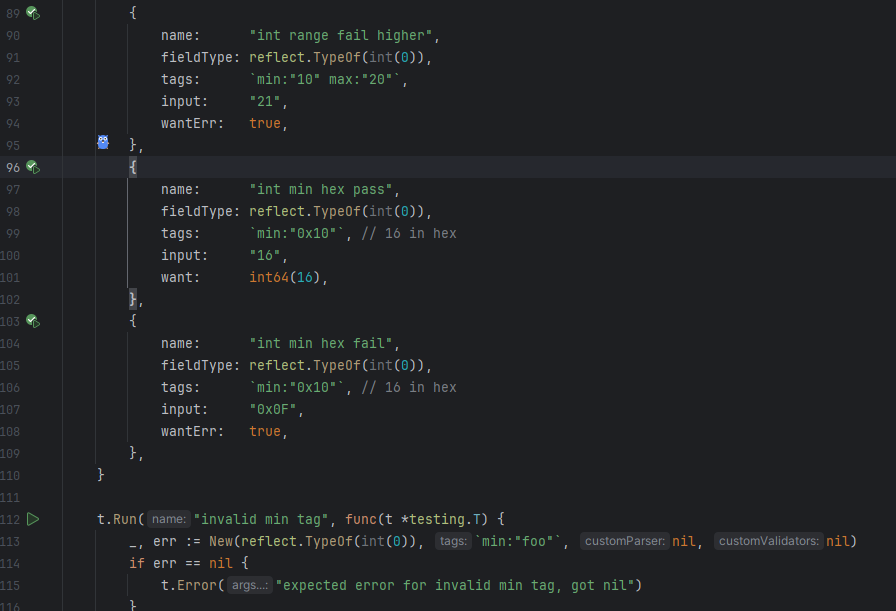
I have one click access to coverage with the normal highlights in code, which has helped me to ensure that I am testing all cases.
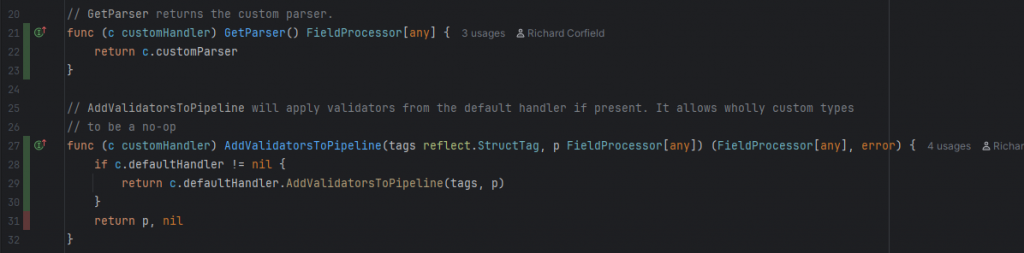
The test that I need to complete this coverage was largely written using the AI code assistant. I had to help it along a little, but it generally got the idea.
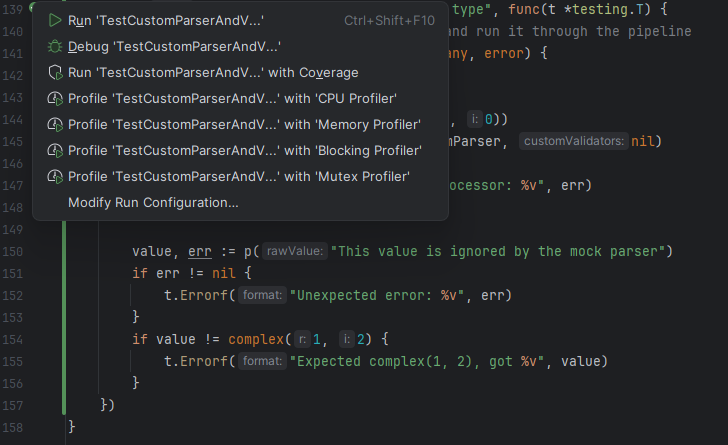
One more test to write to bring the coverage up. Clearly I need to learn to start a new task in Junie as it still shows me as working on its initial setup task.
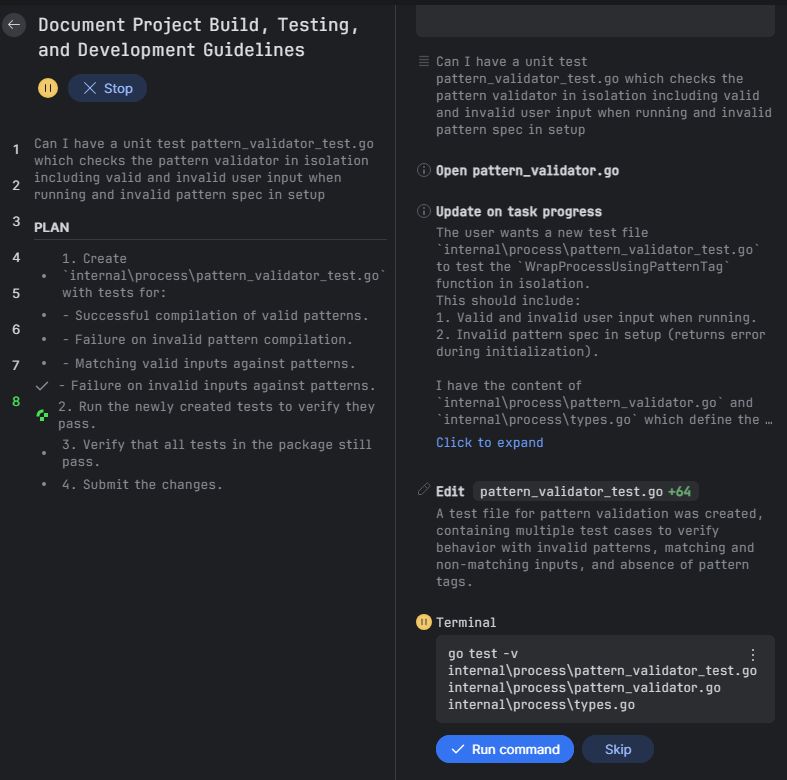
Now I’ve tested the process package I can have Junie work on the main package. I’ve deleted all of Claude’s tests and asked Junie to test the functionality of the system.
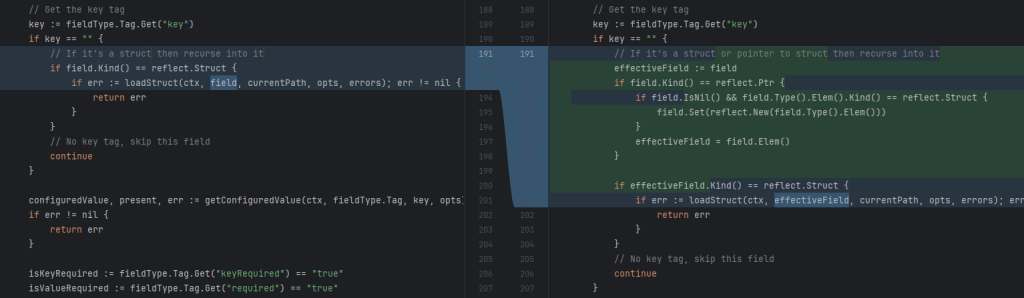
A nice thing is that it’s found a missing feature, a means of using this tool that I hadn’t envisaged, and put in a fix. I wonder how easy it will be to have the system not instantiate a nested struct if no keys for that struct are available or some other decision. This would be a future story.
It’s not all bad for Claude
Junie is very much an assistant. I’ve not tried large tasks with it yet, but it helps me very nicely.
I can’t see how to interact with Junie while it is running. There doesn’t seem to be away to look at a proposed change and stop the process there with instructions to correct. I can hit the big stop button, but not review as I go. Maybe there’s a button I need to find to enable this. It’s not been a problem for small tasks.